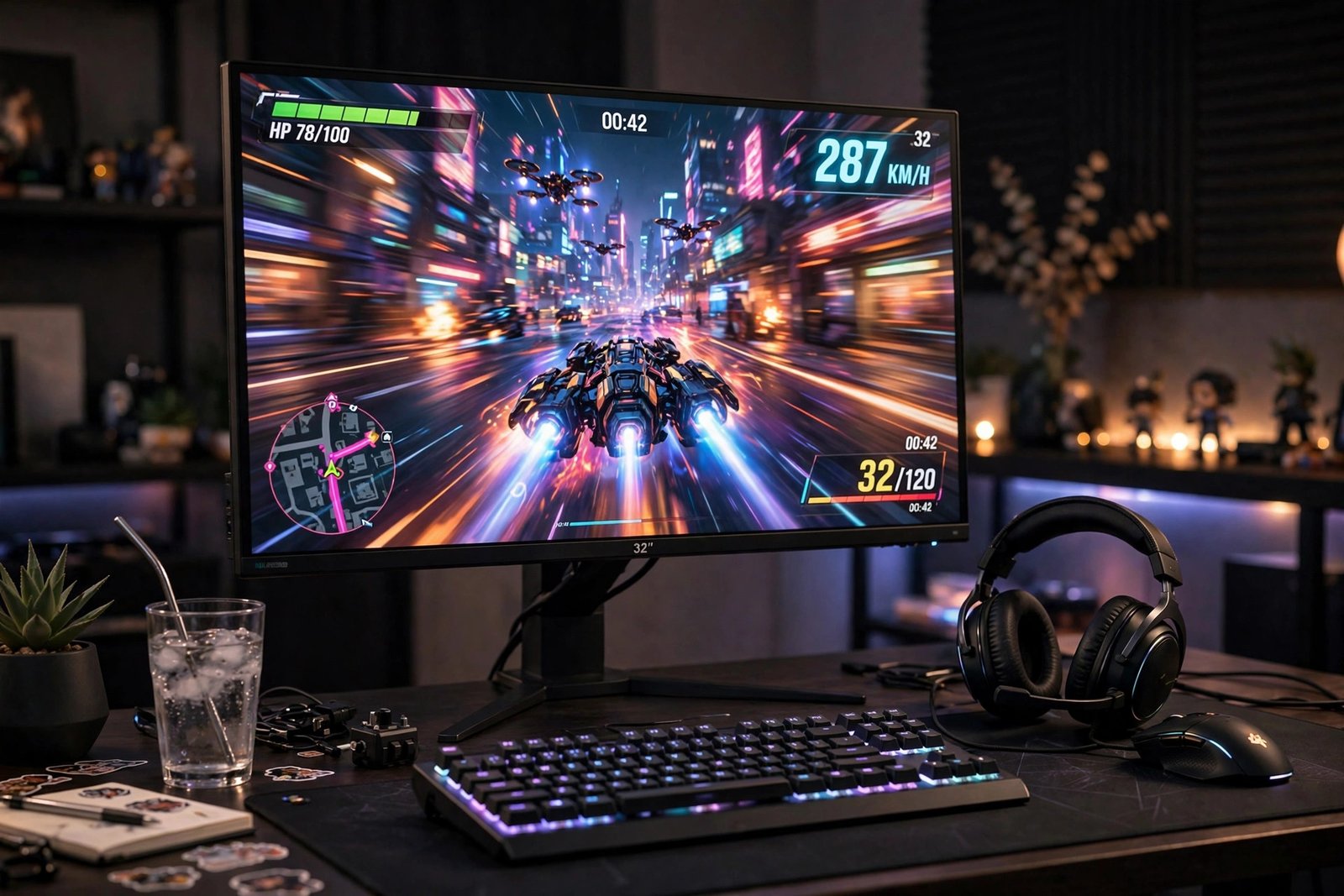
Every gaming forum treats 144Hz as a religious conversion: “Once you go 144, you never go back.” But you’re a casual gamer — a few hours a week of whatever’s fun, not ranked ladders. Is the upgrade actually worth $200+ for you, or is this enthusiast hype that doesn’t apply? The honest 2026 answer: it depends entirely on what you play, what you play on now, and whether your PC can even feed the monitor enough frames to matter.
Here’s the no-hype breakdown: what refresh rate actually does, the casual-gamer verdict by game type, the hidden costs nobody mentions, and what to buy in Chicago if you decide yes.
What 144Hz Actually Does (Without the Jargon)
Refresh rate is how many times per second your monitor redraws the image. A 60Hz monitor shows 60 frames per second; 144Hz shows 144. Higher rates make motion look smoother and reduce the delay between your input and what you see. The difference is genuinely noticeable — mouse movement feels silkier, fast camera pans stay clear instead of smearing. Nobody disputes the improvement exists. The dispute is whether it matters for how you play.
The critical catch: your PC must actually produce those frames. A 144Hz monitor showing a game running at 60fps looks exactly like a 60Hz monitor. If your graphics card pushes 45fps in the games you play, the fancy monitor changes nothing until you also upgrade the GPU — turning a $200 purchase into a $600 project. Check your current frame rates first (most games show this in settings); that’s the number that decides everything.
The Casual Gamer Verdict, by Game Type
For competitive shooters and fast action games (Call of Duty, Valorant, Apex), high refresh genuinely helps — smoother tracking, slightly faster reactions. Even casual players of these genres notice. For story-driven single-player games (RPGs, adventure titles, strategy), the benefit is mostly aesthetic smoothness, not gameplay advantage — nice, not necessary. For cozy and casual games — Stardew Valley, puzzle games, turn-based strategy, and most of the best video games for people who don’t usually play — 144Hz is essentially invisible. A farming sim doesn’t need 144 frames per second.
So the real question isn’t “am I casual” but “what do I play?” A casual player who loves shooters benefits more than a hardcore Civilization player. Match the monitor to your library, not your identity.
The Hidden Costs Nobody Mentions
Beyond the monitor price: you may need a better GPU to hit high frame rates, a DisplayPort cable (HDMI versions before 2.0 often can’t do 144Hz at full resolution — check yours), and possibly a new desk setup, since most 144Hz panels worth buying are 24–27 inches. There’s also the “ruined forever” effect enthusiasts joke about: once your eyes adapt to 144Hz, 60Hz looks choppy, including on your work laptop and TV. For some, that’s a feature; for a casual gamer, it’s an expensive new sensitivity. Check Consumer Reports’ computer monitor ratings for reliability data before buying, and ENERGY STAR’s monitor efficiency ratings — high-refresh gaming monitors draw noticeably more power.
What About 2026’s Middle Ground?
The market has quietly solved this dilemma: 100Hz and 120Hz monitors now cost barely more than 60Hz ones, delivering most of the smoothness for minimal premium. For the casual gamer on the fence, a quality 120Hz IPS panel is the sweet spot — visibly smoother than 60Hz, far cheaper than premium 144Hz+ gaming models, and with better colors for movies and work. If you’re building a broader setup, building a small home theater setup on a budget pairs well with a good all-around display rather than a pure gaming panel.
Panel Types and Specs That Actually Matter
Marketing sheets drown you in specs; only a few matter for casual gaming. Panel type first: IPS panels offer the best colors and viewing angles, making them ideal for mixed gaming, movies, and work — the right choice for most casual gamers. VA panels deliver deeper blacks and better contrast, great for dark atmospheric games but sometimes with slower response times that cause smearing. TN panels are the fastest but have washed-out colors; skip them unless you’re chasing competitive esports on a budget. Resolution next: 1080p at 24 inches looks sharp and is easy for modest GPUs to drive at high frame rates, while 1440p at 27 inches is the 2026 sweet spot for visual quality — but demands a stronger graphics card to hit 144fps.
Response time specs are mostly marketing fiction — ignore “1ms” claims and look at independent reviews instead. Adaptive-Sync (FreeSync or G-Sync Compatible) matters more than most specs: it synchronizes the monitor’s refresh with your GPU’s output, eliminating the screen tearing and stuttering that happen when frame rates fluctuate, which they always do on mid-range PCs. HDR on budget gaming monitors is typically underwhelming — don’t pay extra for it at this tier. Prioritize in this order: panel quality, size and resolution matched to your GPU, Adaptive-Sync, ergonomics (height adjustment saves your neck), and only then maximum refresh rate.
What to Buy in Chicago (If You Say Yes)
Look for: IPS panel (better colors than cheap TN), 24″ for 1080p or 27″ for 1440p, Adaptive-Sync (FreeSync/G-Sync compatible) to smooth frame-rate dips, and height adjustment — ergonomics matter more than an extra 20Hz. In 2026, solid 144Hz 1080p IPS monitors start around $150–180 on sale, with 1440p 165Hz models at $250–300. Chicago buyers can check Micro Center in Westmont for open-box deals — their display-model discounts on monitors are consistently the best local prices. Avoid no-name brands with fake “165Hz” specs; stick to established panel makers with real warranty support and verified reviews.
Conclusion
For casual gamers, 144Hz is worth it if you play fast-paced action or shooter games and your PC can push the frames — the smoothness is real and you’ll feel it. It’s not worth it if you mainly play story-driven, strategy, or cozy games, where the money buys more happiness as a bigger screen, better colors, or games themselves. The smart compromise for most casual players in 2026: a quality 120Hz IPS panel that improves everything a little without the enthusiast price. Upgrade for your actual library, not the forum hype — and enjoy the smoothness knowing you bought exactly what your games needed.
Frequently Asked Questions
Can the human eye even see above 60fps?
Yes — this myth refuses to die. Most people can distinguish 60Hz from 120Hz+ in side-by-side motion tests. The real question was never visibility but whether the difference matters for your games.
Do I need HDMI 2.1 for 144Hz?
Not necessarily — DisplayPort 1.2+ handles 144Hz at 1080p and 1440p easily. Older HDMI (1.4/2.0) may limit you to 120Hz at higher resolutions, so use DisplayPort when available.
Will a 144Hz monitor make me better at games?
Marginally, in fast reaction-based games — smoother visuals help tracking slightly. But it won’t fix positioning, game sense, or aim fundamentals. Practice matters enormously more than hardware.
Is 240Hz worth it over 144Hz for casual gaming?
No. The jump from 60 to 144 is dramatic; 144 to 240 is subtle and mainly benefits competitive players. For casual gaming, the money is better spent on panel quality, size, or resolution.